
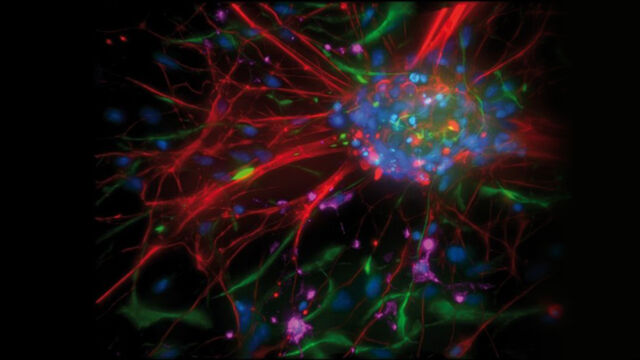
Leica QApplib is an extensive, complimentary application library included with Leica QWin. It comprises example application images and Leica QUIPS routines for processing and analysing those images.
Key Features
-
Complimentary application library included with Leica QWin.
-
Includes sample macro routines for image processing and analysis.
-
Includes routines for Life Science, Material Science and general image analysis.
-
Eliminates the need to begin programming from scratch.
-
Includes search facility to easily identify routines.
/3B636E1F0751B634C1256A400050DE32/$FILE/Pink_pro_s_pf.jpg)
With every copy of Leica QWin, Leica supplies an extensive library of applications, so the user can immediately start to become productive. Leica QApplib is an application library comprising example application images and macro routines for processing and analysing those.
This application illustrates the effective functions of Leica QWin and provides a source of Quips routines. It is therefore, a very useful tool for both the novice and the experienced Leica QWin User. The Quips routines run methodically through the stages of processing and analysis, providing a simple, informative, step by step demonstration. They can also be exported and used for similar applications, eliminating the need for programming from scratch.
On loading Leica QApplib, both Leica IM1000 and Leica QWin open automatically and the user is presented with a library of applications, subdivided into three fields: Life Science, Material Science and General Image Analysis. The first 2 include examples of application routines and the latter, examples of image processing functions. Whatever your application, there will be an example in Leica QApplib!
Specific topic areas of interest can easily be located with Leica QApplib's search facilities which include category selectors and keywords. A drop down list of options is available in addition to specific query capability.
Each field of application can be viewed either in a table, or as a thumbnail gallery. Once an application has been selected, a large image is presented along with a brief application description, the techniques employed and the name of the associated Quips routine are shown.
With a single click, the image can be exported to Leica QWin where the associated analysis sequence starts, or where the normal QWin functions can be used.