Aivia AI Image Analysis Software
A complete analysis workflow from accurate deep-learning based cell segmentation to automatic phenotyping and data exploration for 3D multiplexed images.
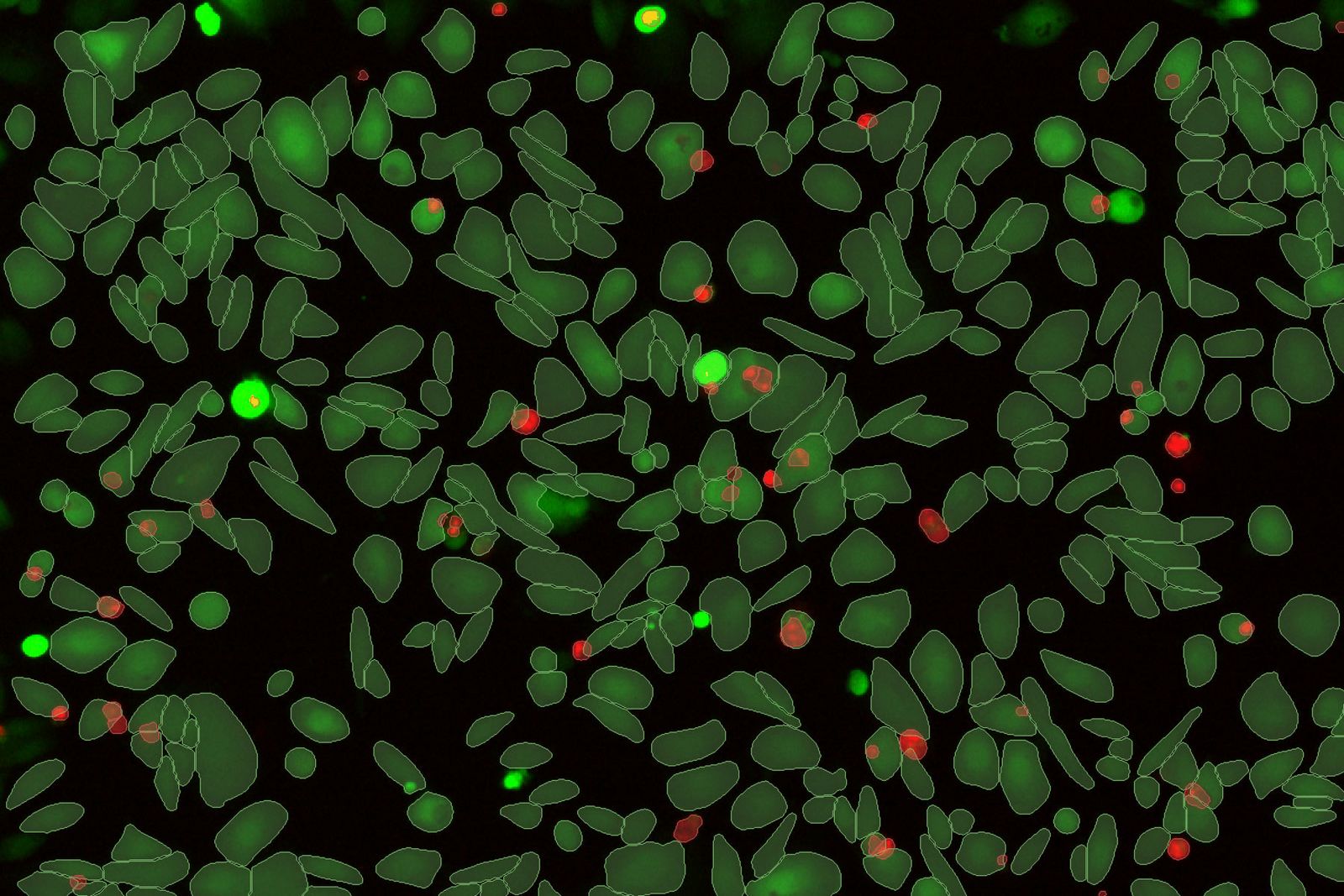
Subjectivity of analysis and poor reproducibility are key hurdles to be overcome for biological image analysis. Standard segmentation can lead to sub-standard results and require substantial manual curation which is subject to human error. Aivia changes all of that.
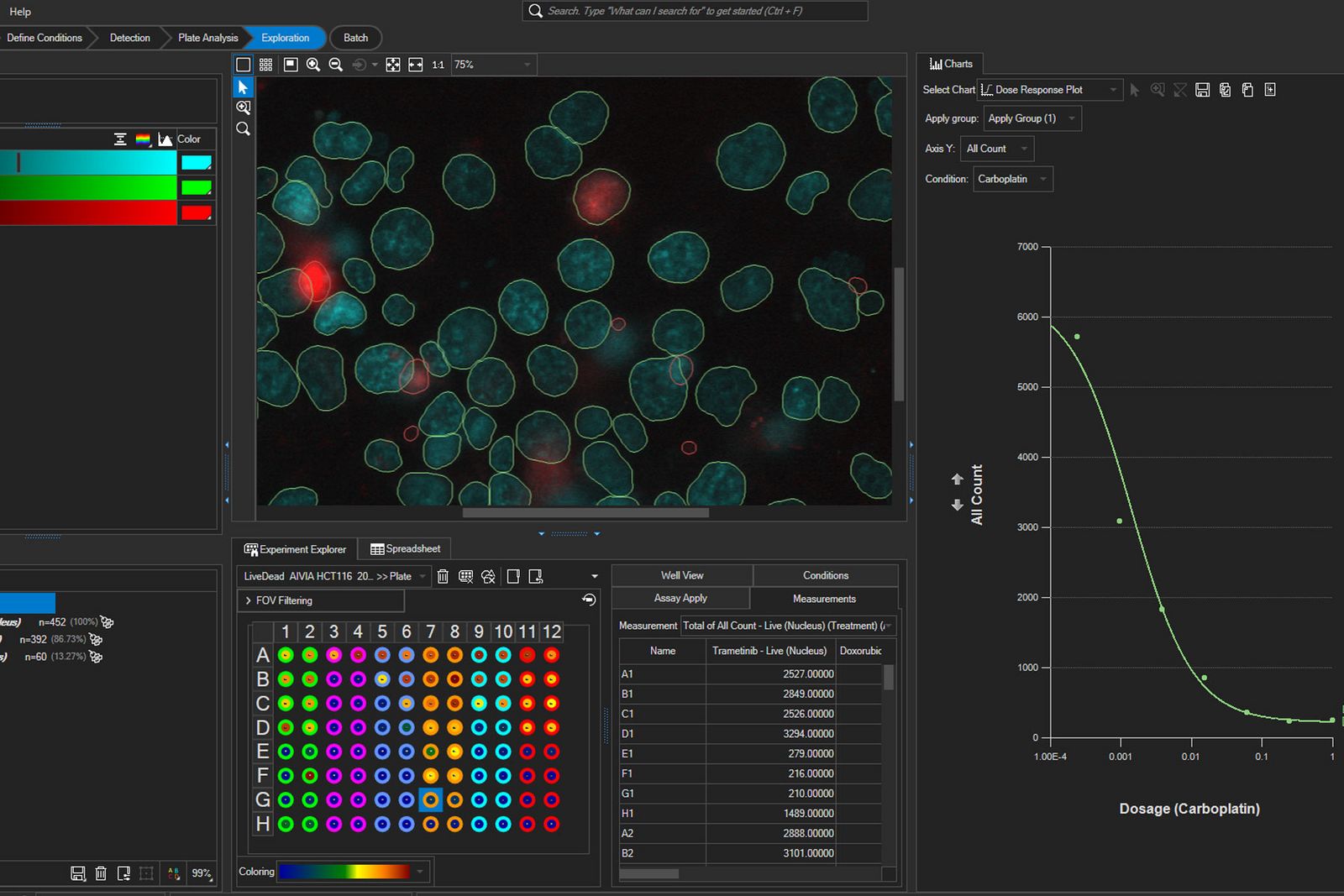
Interactive charts for multi-well data
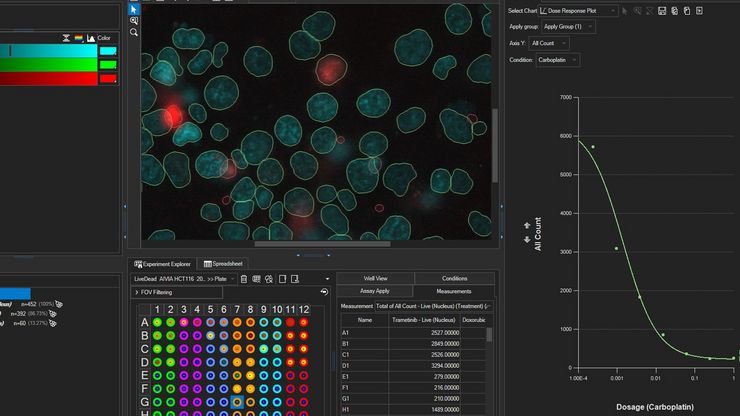
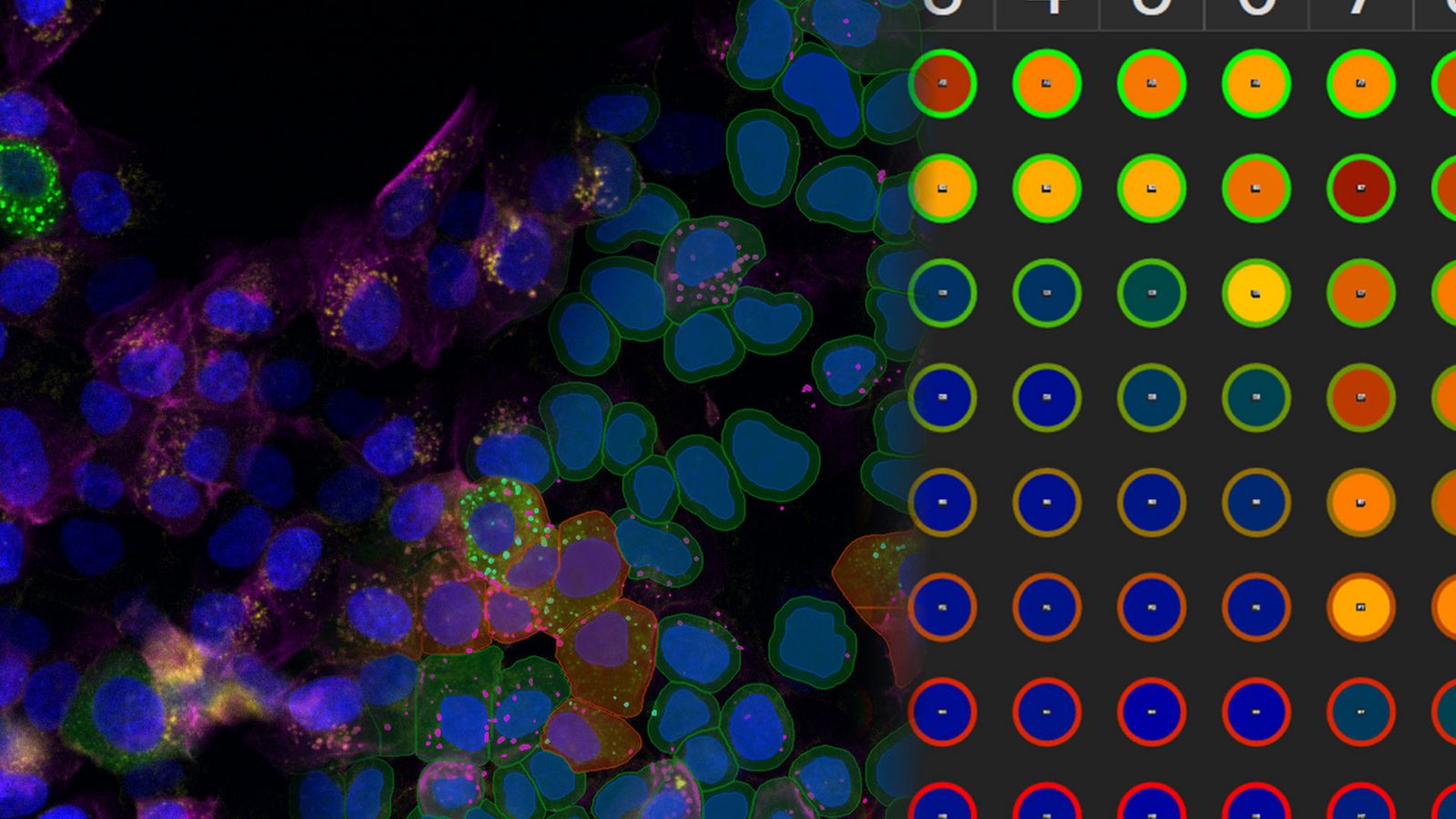
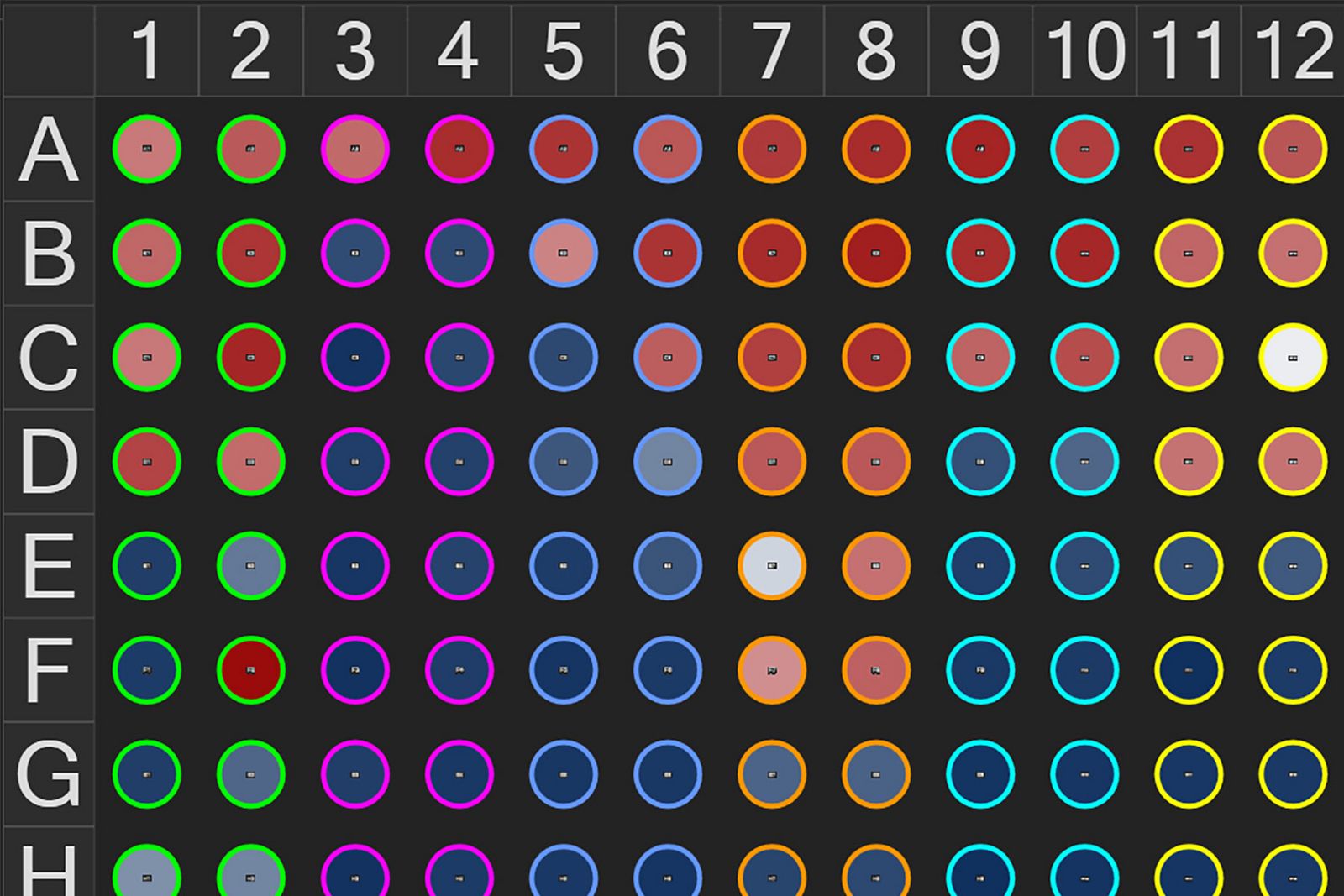
Advanced data exploration for multi-well experiments. Aivia 16 enhances data exploration and unlocks deeper insights for multi-well experiments with aggregate summary charts and data exports for statistical analysis.
- Extract insights from aggregated multi-well datasets per well, per object set, or per condition
- Summarize and navigate analysis results per well with multi-well heatmap in the Experiment Explorer
- Customize data aggregation in Summary Charts
- Discover cell response in multi-well experiment from Dose Response Curve with IC50/EC50 calculation
- Export combined data to third-party statistical analysis software to dive deeper into the results
AI access for all
Aivia makes advanced data analysis accessible for all biologists - with no computer science expertise required.
The Aivia platform has been designed with the end-user in mind. This means with Aivia you can quickly and reliably generate high-quality results. The Aivia platform includes all state-of-the-art applications you will need in a unified user experience.
Quickly train laboratory users on the platform, to conduct their analysis without any specialist expertise.
- Speed up your imaging projects and publish faster
- Benefit from next-generation, easy to use machine learning segmentation and classification tools
- Conduct parameter-free image segmentation
- Easily train, update and apply deep learning models using local resources or the AiviaCloud platform
Total freedom on a single platform
Aivia's powerful and fast 2-5D visualization and analysis unlocks all the value of your data - within a single platform.
No longer does your team have to learn to operate and adopt multiple imaging and analyses systems into their workflow - the Aivia platform unifies all state-of-the-art applications you will need in a unified user experience. Aivia can leverage both local and cloud computing resources. You can install and use Aivia both on your local computer as well as via a web browser, AiviaWeb. Aivia works seamlessly with all microscopy imaging systems.
Your team can also access all files created by your imaging systems anywhere - all you need is an internet connection.
- Powerful and fast 2-5D visualization and analysis - accessible anywhere
- Includes 22 applications and 20 pre-trained deep learning models (image segmentation, restoration and virtual staining)
- Reliable and easy to use cloud access with flexible IT architectures supported
- Over 45 microscopy file formats supported

Start a free trial
Using state-of-the-art, AI-first software architecture, Aivia is a uniquely innovative and complete 2-to-5D image visualization, analysis and interpretation platform designed for the reliable processing and reconstruction of highly complex images in just minutes.
- Make AI-enhanced image analysis accessible for all - with no computer science expertise required
- Leverage machine learning capabilities to generate robust and reproducible segmentation results
- Realize powerful and fast 2-5D visualization and analysis to unleash the value of your data - all within a single platform
Explore Aivia subscription plans
Aivia is available via subscription, giving you the flexibility to select a plan that fits your lab’s needs now, or in the future as your research needs evolve.
With technical support and free software upgrades for the duration of your subscription, you will always have the lasted AI-powered analysis tool for your research.
- Go - The essential tools to get you started with AI image analysis
- Elevate - Take your AI image analysis to the next level with CellBio or Neuro
- Apex - A comprehensive AI image analysis platform for labs and core facilities
Everything you need to start analyzing images
Aivia Go offers state-of-the-art image visualization and analysis tools in a single platform, including multiple AI-powered features, to meet your challenging image visualization and analysis needs. Simple segmentation workflows and batch processing capabilities yield results faster, helping you leap from data to publication.
Aivia Go supports a large range of applications from 2D to 5D image analysis tasks such as detection and tracking. It is the ideal package for research laboratories and imaging core facilities. No computer expertise required.
- AI-powered classifiers
- 12+ image analysis recipes
- 2D -5D image visualization
Features
Image Analysis Recipes - Deploy a wide range of 2D to 5D image analysis recipes for the most popular analysis applications:
- Count cells, nuclei and particles in 2D and 3D
- Track cells (in phase contrast and fluorescence), nuclei, and particles in 2D and 3D
- Cell proliferation and wound healing assays (phase contrast)
- Neurite outgrowth
- Stem cell colony detection (phase contrast)
- Cell tracking (phase contrast)
Rapid insight discovery across complex multi-well experiments
Aivia Accelerate enables rapid exploration of relationships between key variables in complex multi‑well experiments, empowering scientists to extract actionable insights from imaging data with minimal setup and no coding required.
Features
- Analyze aggregated results across experimental conditions using summary charts with population statistics
- Accelerate analysis with pre‑configured workflows
- Deploy a pre‑trained, generalist deep‑learning segment by example cell‑segmentation algorithm
- No model training, coding, or AI expertise required
- Automatically classify cell populations
- Automatically generate comprehensive reports
Take your AI image analysis to the next level with Aivia’s simple workflows
A complete solution for research laboratories and core imaging facilities, Aivia Elevate subscribers can choose specialized AI solutions for either neuro or cell biology image visualization and analysis.
Analyze cellular interactions and measure the distances between different compartments down to the channel level with Elevate for CellBio . It includes tools to perform accurate cell detection in 2D multiplexed images, identify cell phenotypes and explore spatial insights. Or automate challenging neuroimaging tasks, such as neuron tracing, dendrite segmentation, and more with Elevate for Neuro.
Want both options? Upgrade to Aivia Apex for full functionality plus the ability to apply your own deep learning models.
Features
Cell or Neuron Analysis Recipes - Choose between specialized analysis tools for neuroscience or cell biology research
- Neuron Analysis Recipes (Fluorescence/EM): Detect and trace neurons in 3D data sets
- Cell Analysis Recipes (2D/3D): Observe complex cellular interactions in 2D and 3D data sets
A comprehensive AI image analysis platform for labs and core facilities
Aivia Apex is a comprehensive microscopy image analysis solution for researchers who need a variety of image analysis applications. Apex also provides microscopists with the flexibility to apply their own deep learning models, third party models or open-source repositories.
Ideal for large research groups and core imaging facilities, Aivia Apex’s Floating License Manager allows a site to run all licenses on any machine on their local network.
- Everything in Elevate Neuro & CellBio
- Expanded deep learning capabilities
- Floating license manager
Features
Image Analysis Recipes - Deploy a wide range of 2D to 5D image analysis recipes for the most popular analysis applications
- Nuclei count and tracking
- Cell count and tracking
- Particle count and tracking
- Cell proliferation assay
- Neurite outgrowth
- Wound healing (phase contrast)
- Stem cell colony detection (phase contrast)
- Cell tracking (phase contrast)
- 3D Object Analysis and Tracking recipes including neuron and cell analysis
Segment by example – evolved
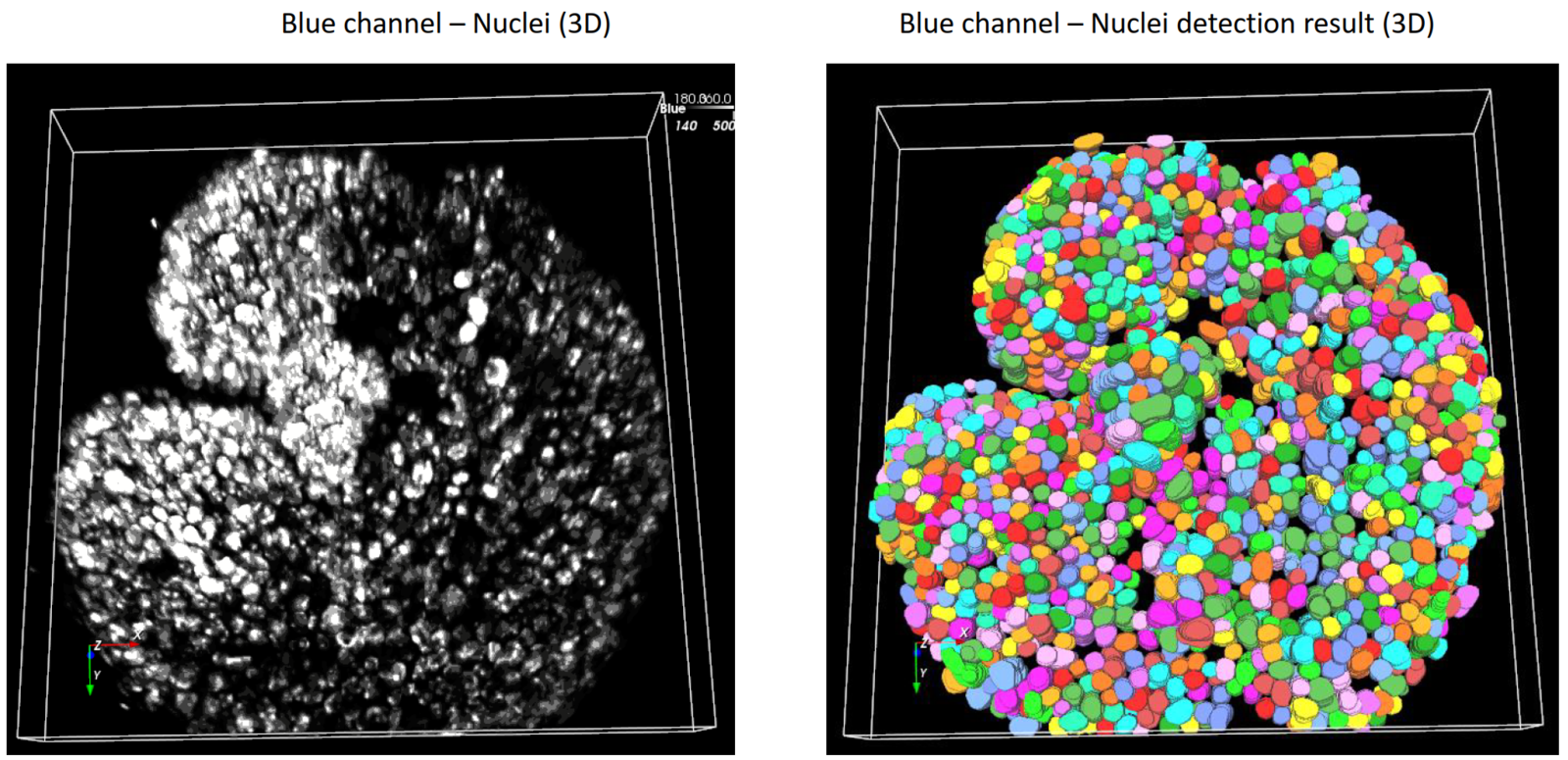
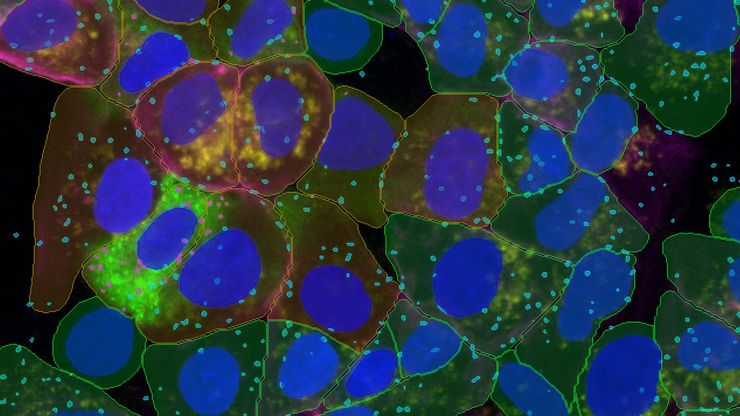
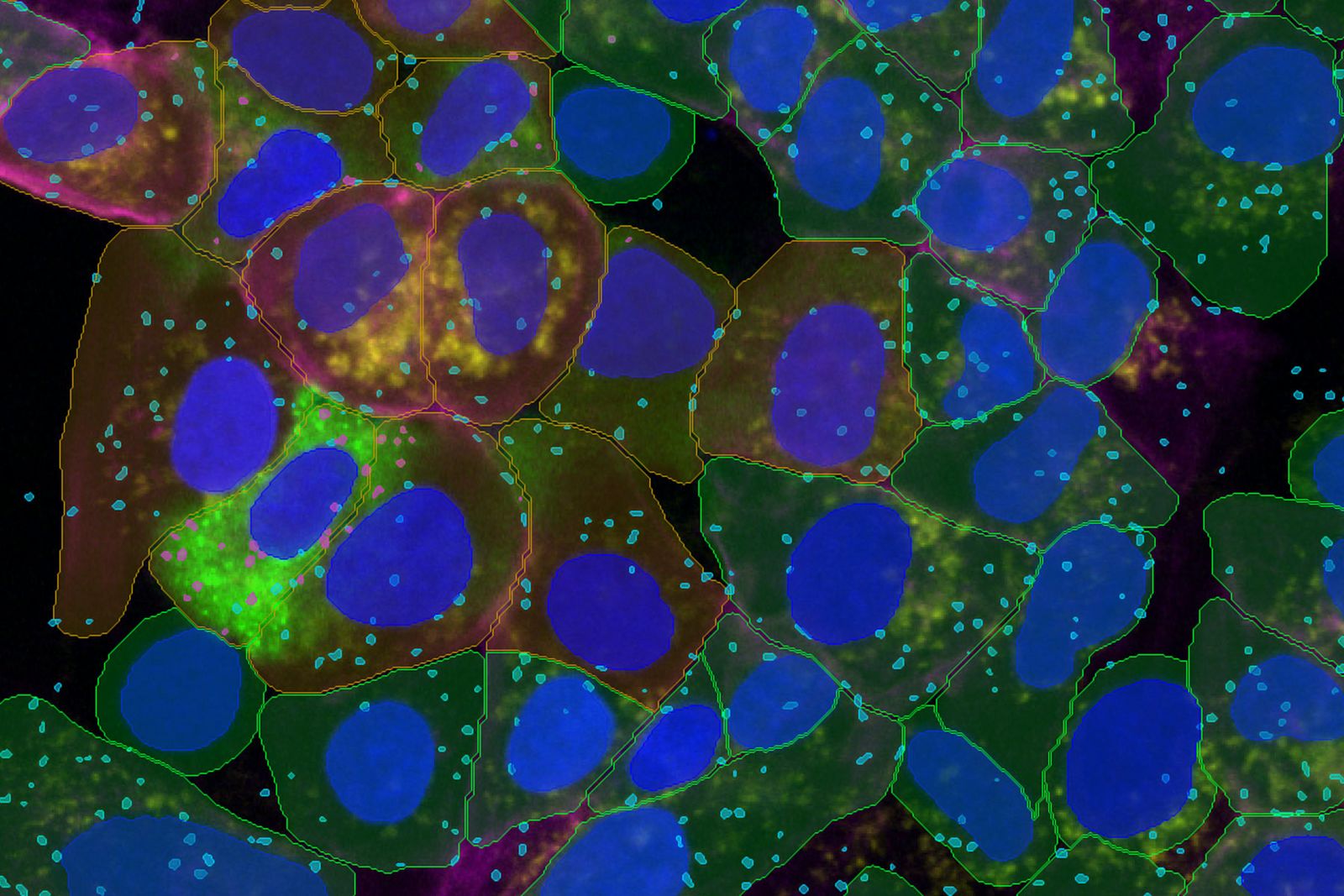
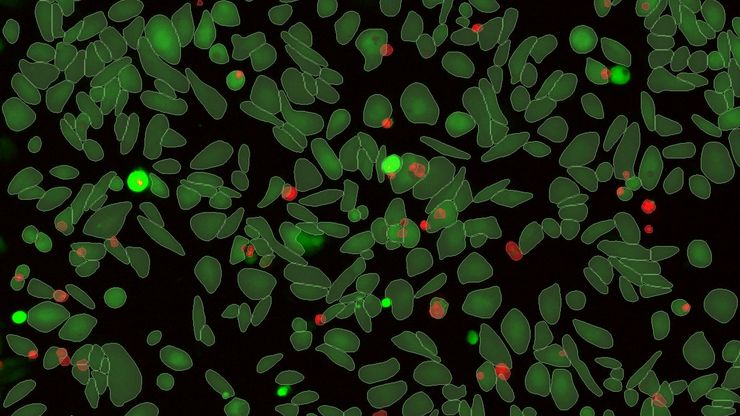
More insights faster with fewer inputs. Segment by Example in Aivia 16 redefines simplicity and precision with Aivia’s patent-pending deep learning algorithm for accurate cell detection with minimal effort.
- Accurately segment cells in 2D or 3D with only three samples
- Combine multiple image channels for 2D/3D multiplex cell detection
- Segment cells, nuclei, and unlimited types of vesicles in 2D
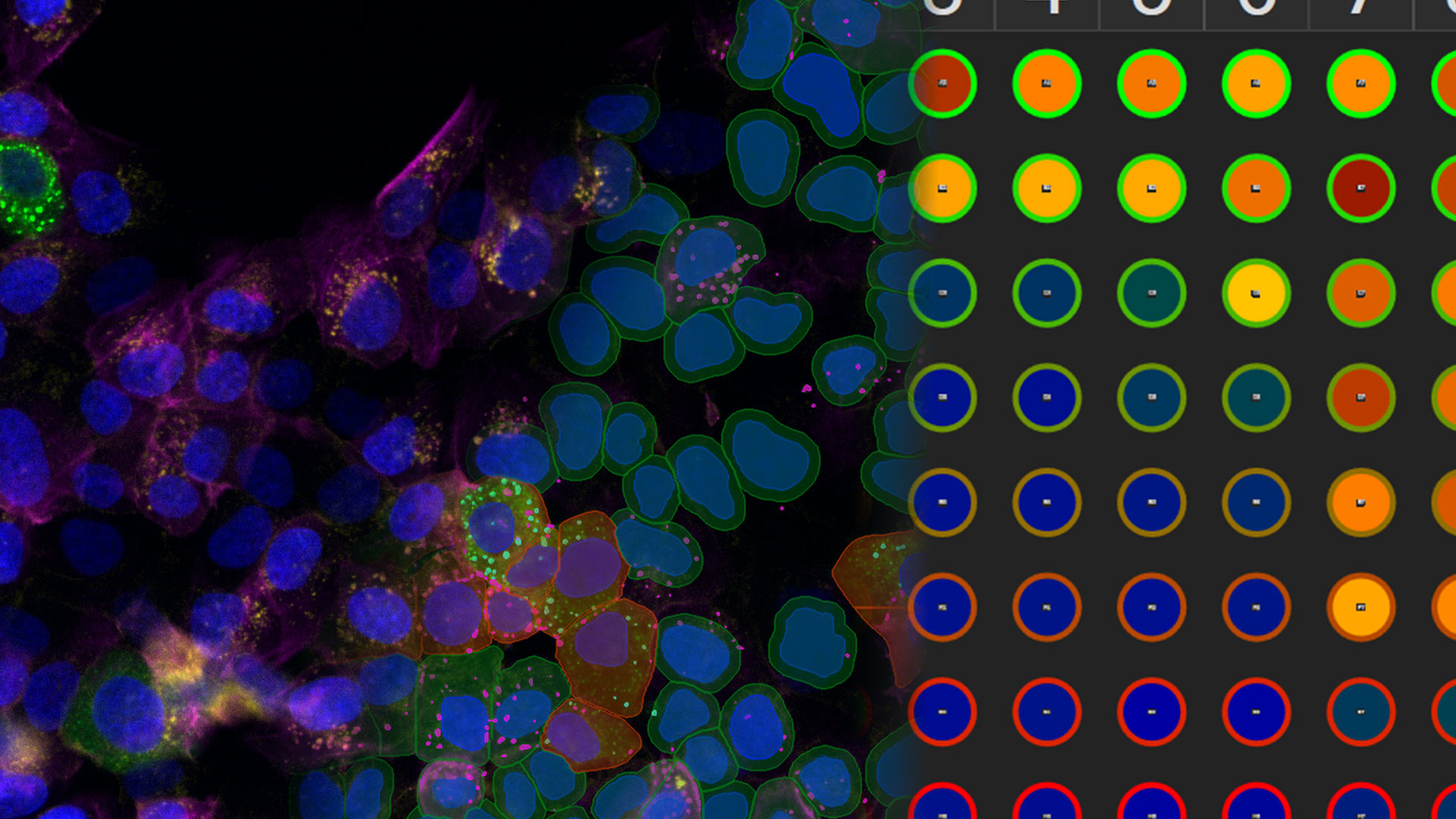
- Phenotype diverse cell populations in one go
- Up to 12.8x faster cell and nucleus detection
Multi-well data import
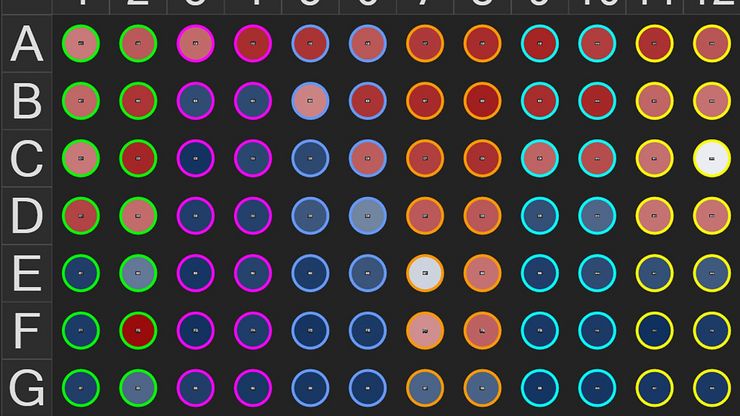
Effortless multi-well data import. Aivia 16 empowers researchers to seamlessly import, explore, and analyze their data. Import new multi-well experiments directly from LIF or XELF files from the Mica, DMi8 and STELLARIS imaging systems.
Navigate across well and field positions from a multi-well experiment with ease and quickly review the data loaded into Aivia in the revamped Experiment Explorer.
Guided assay analysis
Simplified, end-to-end assay analysis workflows. Guided assay streamlines process to discovery - with greater accuracy and robustness across multi-well samples, offering best-in-class performance for users looking to extract the most value out of their data.
- Open Guided Sequence for assays from Analysis Launchpad
- Guided Sequences direct users from condition setup through detection, phenotyping, and batch processing
- Four (4) Pre-built Assays Guided Sequences for common assays: counting, morphological, live/dead, and apoptosis
- Aggregate analysis results per well, per condition, or per plate
- Optimize analysis pipeline with sample image and propagate across entire experiment