
Flexacam c5 & i5 Microscope Cameras
Detailed. Networked. Flexible.
Read our latest articles
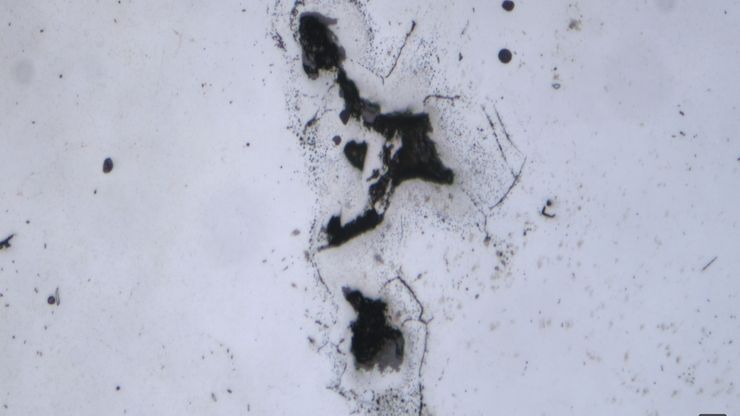
AI-Based Particle Counting with the Aivaro AI Feature Detection Software Module

An Overview of Artificial Intelligence (AI) and Machine Learning
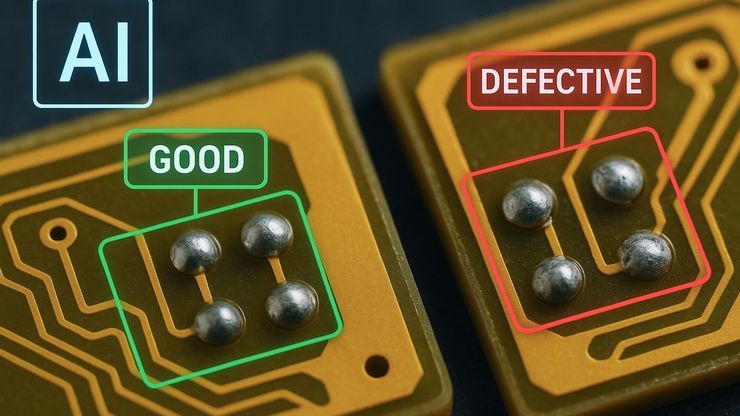
AI Image Analysis for Reliable Defect Detection

Why the Future of Microscopic Inspection Is AI-Assisted, Not Fully Automated

Quality Assurance Improvement Across Industries
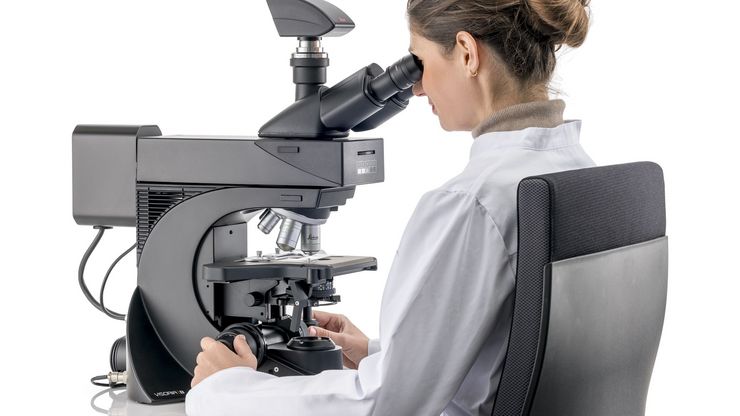
Factors to Consider when Selecting Clinical Microscopes

Technical Terms for Digital Microscope Cameras and Image Analysis
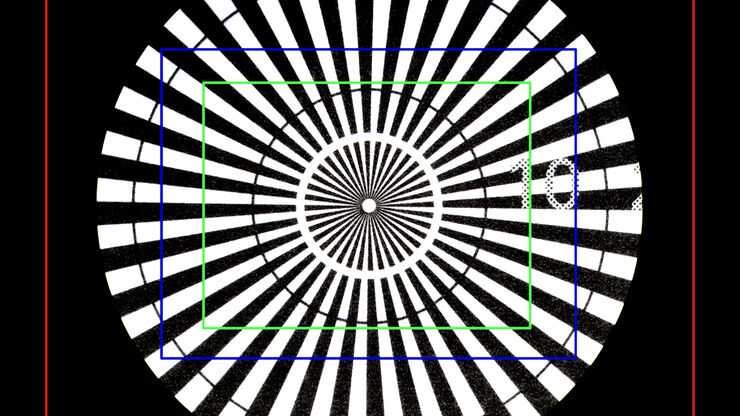
Understanding Clearly the Magnification of Microscopy

The Time to Diagnosis is Crucial in Clinical Pathology
Fields of Application
Inspection Microscopes
Clinical Laboratories
Life Science Research
Clinical Pathology
Anatomic Pathology
Microscopes for Industrial Applications
Metal Industry Microscopy Solutions
Electronics & Semiconductor Industry Microscopy Solutions
Popular Configurations

Flexacam c5Flexacam c5 C-mount installation on a stereo or compound microscope Flexacam c5: - Digital color camera with CMOS sensor (1/2.3)" - Possible to operate with 4k HDMI monitor using Enersight OSD - High definition live image 4k, 60fps, HDR - JPG images with up to 12 MP - Full HD MJPG Video recording with 30 fps - Camera control: via PC (Windows) using Enersight Desktop, via smartphone / tablet by Enersight Mobile App (connection to Ethernet or Wifi is required) or via USB mouse (not included) (Enersight OSD mode) - Capture images directly to USB Stick or send images via E-Mail* (Enersight OSD mode) - USB-C connection to PC for Enersight Desktop - Supported OS: Win 10Pro/ Win 11 / iOS / Android - Delivered accessories: HDMI Cable, USB C-A cable, external power supply (without power cord), USB stick.
Loading...
Loading...
|

Flexacam i5 (Compound)Flexacam i5 (Compound) Installation between the optics carrier and binocular tube Flexacam i5 (Compound) - Digital color camera with CMOS sensor (1/2.3)" - Possible to operate with 4k HDMI monitor using Enersight OSD - High definition live image 4k, 60fps, HDR - JPG images with up to 12 MP - Full HD MJPG Video recording with 30 fps - Camera control: via PC (Windows) using Enersight Desktop, via smartphone / tablet by Enersight Mobile App (connection to Ethernet or Wifi is required) or via USB mouse (not included) (Enersight OSD mode) - Capture images directly to USB Stick or send images via E-Mail* (Enersight OSD mode) - USB-C connection to PC for Enersight Desktop - Supported OS: Win 10Pro/ Win 11 / iOS / Android - Delivered accessories: HDMI Cable, USB C-A cable, external power supply (without power cord), USB stick.
Loading...
Loading...
|

Flexacam i5 (Stereo)Flexacam i5 (Stereo) Installation between the optics carrier and binocular tube Flexacam i5 (Stereo): - Digital color camera with CMOS sensor (1/2.3)" - Possible to operate with 4k HDMI monitor using Enersight OSD - High definition live image 4k, 60fps, HDR - JPG images with up to 12 MP - Full HD MJPG Video recording with 30 fps - Camera control: via PC (Windows) using Enersight Desktop, via smartphone / tablet by Enersight Mobile App (connection to Ethernet or Wifi is required) or via USB mouse (not included) (Enersight OSD mode) - Capture images directly to USB Stick or send images via E-Mail* (Enersight OSD mode) - USB-C connection to PC for Enersight Desktop - Supported OS: Win 10Pro/ Win 11 / iOS / Android - Delivered accessories: HDMI Cable, USB C-A cable, external power supply (without power cord), USB stick.
Loading...
Loading...
|
Don’t see your Configuration? Request for individual Quote


